Item Legacy Media · Walkthrough
Report Studio
Follow Collection Portfolio from selected records to a document you can review and keep, when Report Studio is available for your account.
2:11 · English
Narrated with an AI-generated voice.
English captions available in the player controls.
Read transcriptReport Studio options depend on your plan and the features available to your account. Review every photograph and the completed document before sharing.
Read the transcript
A collection deserves a clear record. One that brings its photographs, details, and history together.
In Item Legacy, photographs, identifying details, acquisition information, and supporting documents stay connected to the item they describe.
Report Studio brings those records into a document you can review and keep. Here is a look at Collection Portfolio.
From Reports, open Report Studio when it is available for your account. Choose Collection Portfolio, then select the collection to include.
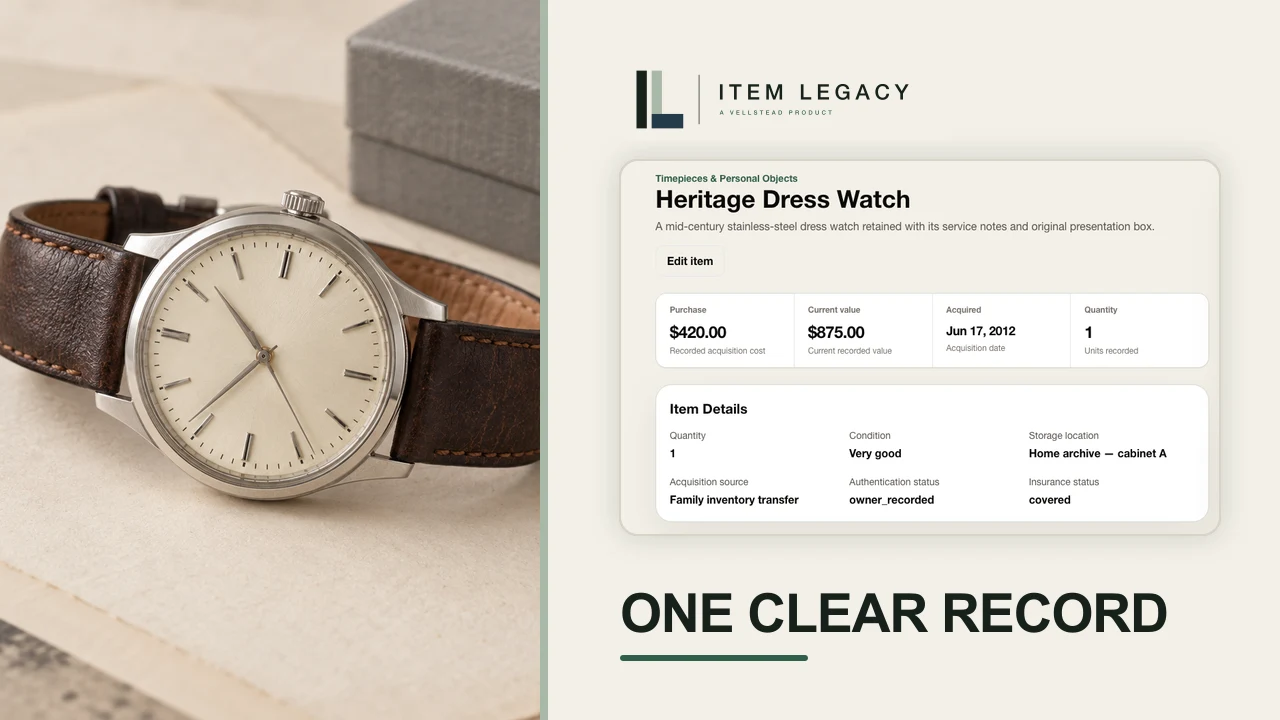
We select the Heritage Dress Watch as the featured item and set an as-of date.
Add a title and a short introduction. Choose whether to include recorded values, and select the privacy treatment for your intended use.
Review every included photograph. Text masking does not remove information inside an image. After checking the photos and preview pages, acknowledge the current photo set.
Choose Generate and Print PDF. Item Legacy checks the photos and page layout, then opens your browser print dialog. Choose Save as PDF.
The portfolio opens with a cover and a collection snapshot: selected items, recorded values, and a breakdown by category. The record starts to take shape.
An inventory register brings the selected records together. The featured watch has its own detail pages, with a photograph, specifications, purchase information, and values with recorded sources and dates.
The report also carries supporting evidence, provenance, and stewardship notes. Keep the PDF for personal reference, and review its contents before sharing a copy.
Your collection, clearly documented. Explore Item Legacy at Item Legacy dot com, and start your free inventory.
On screen
From Reports, the walkthrough opens Report Studio, chooses Collection Portfolio and a collection, selects the Heritage Dress Watch as the featured item, and sets an as-of date.
The presentation controls set the title, introduction, values and privacy treatment. The photo review acknowledgement applies to the current photo set. Text masking does not conceal information inside photographs.
Generate and Print PDF runs readiness checks. The film then shows the resulting cover, collection snapshot, inventory register, watch detail pages, supporting evidence, provenance and stewardship notes.