Item Legacy Media · Walkthrough
Organize Your Coin Collection
Keep your coin’s identifying details, photographs, and supporting notes together, then find the saved record again.
2:35 · English
This video uses AI-generated narration.
Values and condition are owner-recorded. Item Legacy does not grade or authenticate coins. Coin images: United States Mint; no government endorsement is implied.
Read the transcript
A useful coin record brings the details together. The coin, the photographs, and the notes that help you remember what you have. Here is one way to organize that information in Item Legacy.
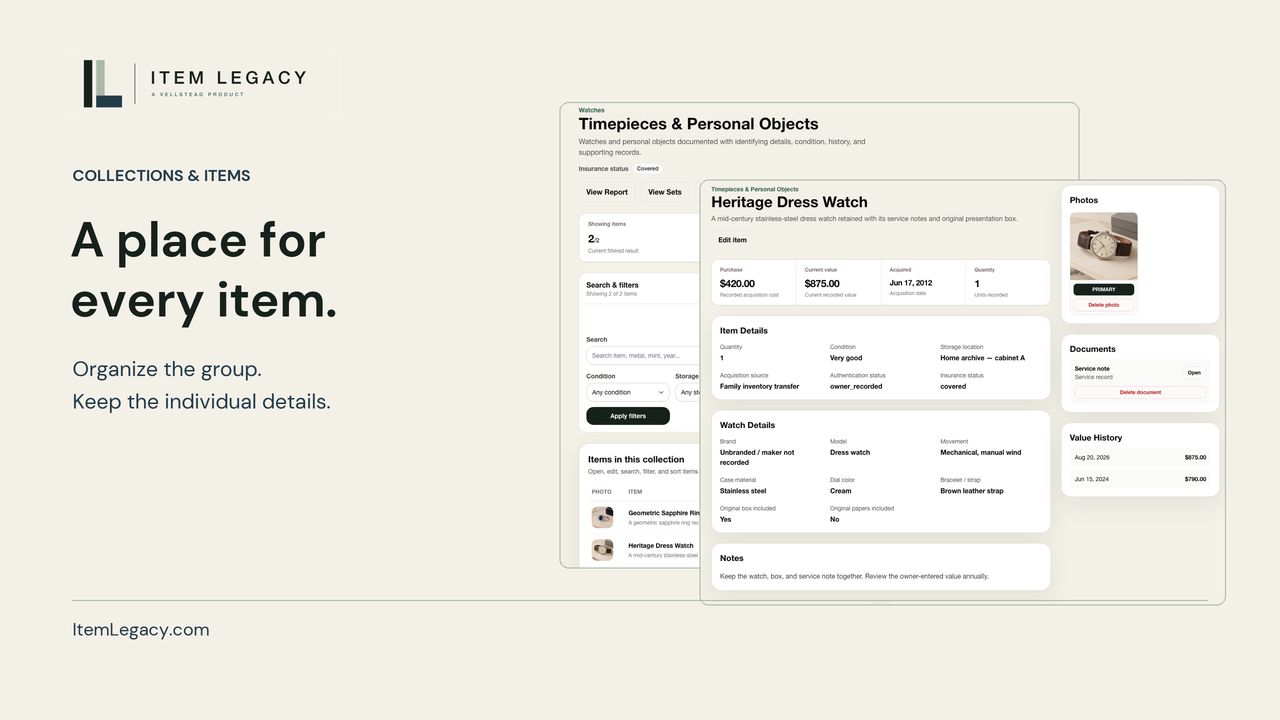
Start with a collection. These two entries share a year and denomination, but their mint details differ. Keep a separate record when a coin needs its own photographs, condition notes, or history. Quantity can also represent several coins in one entry.
The coin form includes denomination, mint, and year. Here, the denomination is dime, the mint is D, and the year is twenty twenty-five. Save those details, then reopen the form to check them. A clear name makes the record easier to recognize.
Add useful views through the photo control. An obverse view and a reverse view can show different identifying details. These credited reference images show the two sides of the design. Open a photo when you need a closer look, and keep the complete coin visible.
Use condition and notes to record what you know. This entry says not graded. If you have certification details, the form has company and number fields for your own references. Recording those details does not authenticate a coin or provide a professional grade.
Keep acquisition cost separate from your current estimate. This record has a ten-cent cost and a ten-cent owner estimate. Include a date in your notes so you can understand the estimate later. These are recorded amounts, not an automatic market price.
Attach supporting material to the same item. Here, a short record note keeps the identifying details and estimate date together. You can return to the attachment from the item, alongside its photographs and the information you entered.
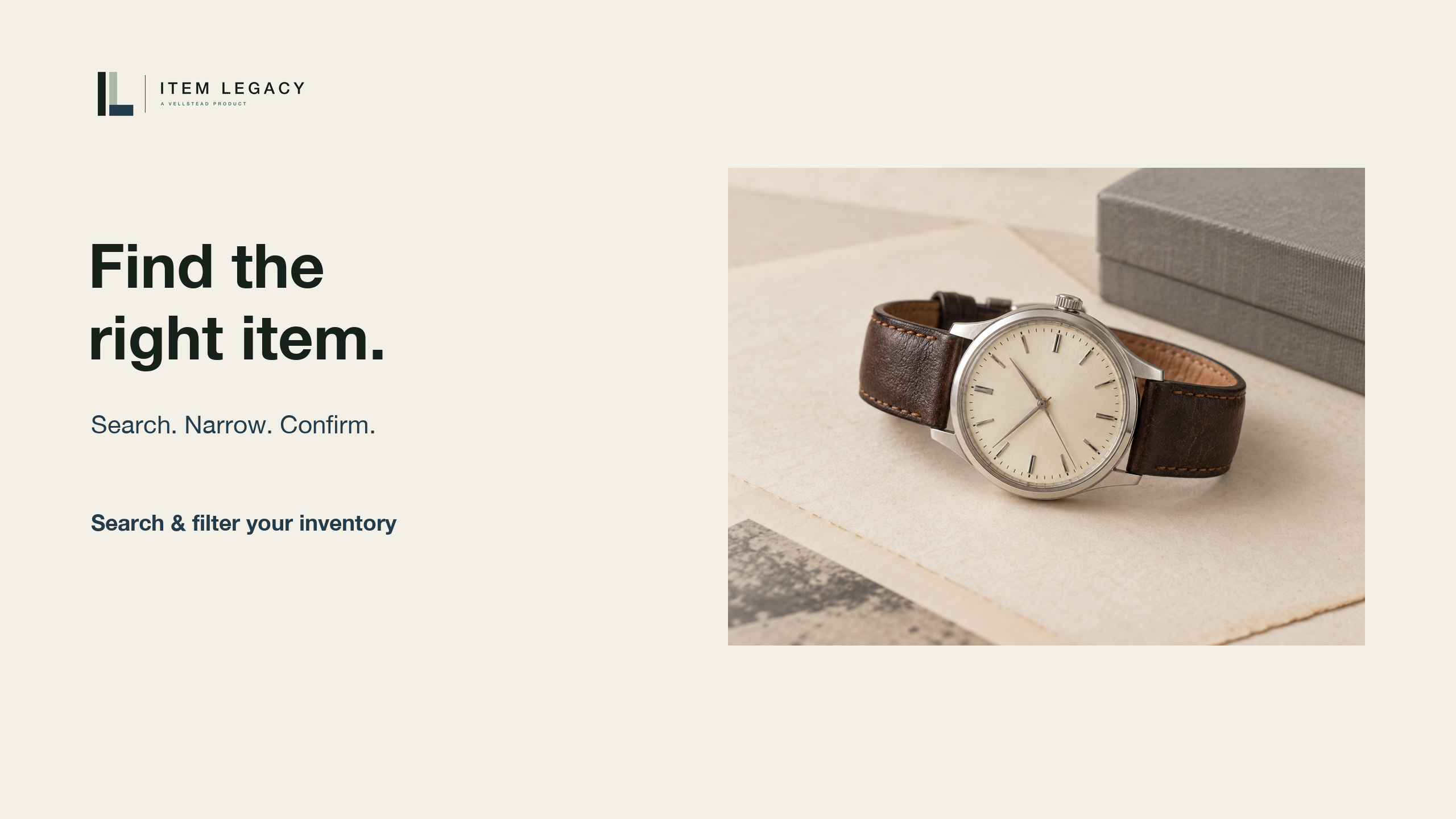
When you want the record again, use the saved details. Search for the year, narrow by mint, and open the matching entry. The identifying fields, photographs, and supporting notes are still together. That is the payoff: a collection you can review without rebuilding the context.
Bring your coin records together. Visit ItemLegacy dot com, and start your free inventory.
On screen
The walkthrough follows two 2025 dime entries with different mint details and quantities. The coin form records denomination, mint and year, followed by the saved record after reopening.
Obverse and reverse reference images appear beside the saved record, with United States Mint image credit. Owner-entered condition notes, purchase cost, a current estimate and a dated supporting PDF stay connected to the item.
The All Items view uses recorded year and mint details to find and reopen the coin. The cost-completeness comparison is shown as unavailable. The closing QR links to signup, also available below this player.