Item Legacy Media · Walkthrough
Document Your Collection
Follow a watch from a basic entry to a record with a clear photograph, an attached reference PDF, and useful context kept together.
0:55 · English
This video uses AI-generated narration.
Item Legacy organizes the information you add; it does not authenticate an object or its history.
Read the transcript
Start with a basic entry. This watch has a name and a place in the collection, but no photograph or supporting document yet. The next step is to add context you can return to later.
In Add photos, choose a clear image from your device. Keep the item easy to see, with enough detail to recognize its shape and distinguishing features. Wait for the upload to complete, then check that the photograph appears on the record.
Next, choose a supporting file in Add document. For this watch, we are attaching reference notes as a PDF. Give your file a clear name before uploading, so you can recognize it when it appears in Documents. Wait for the upload to finish.
Keep the story with the item. Start your free inventory at Item Legacy dot com.
On screen
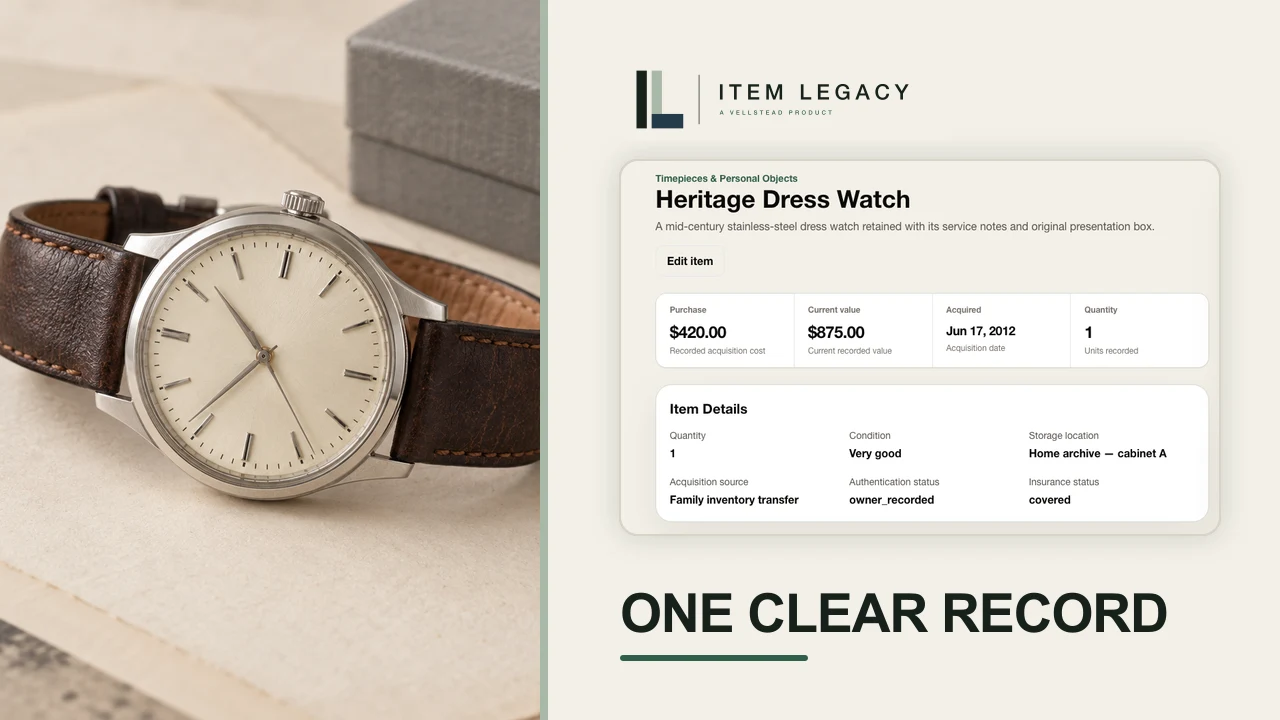
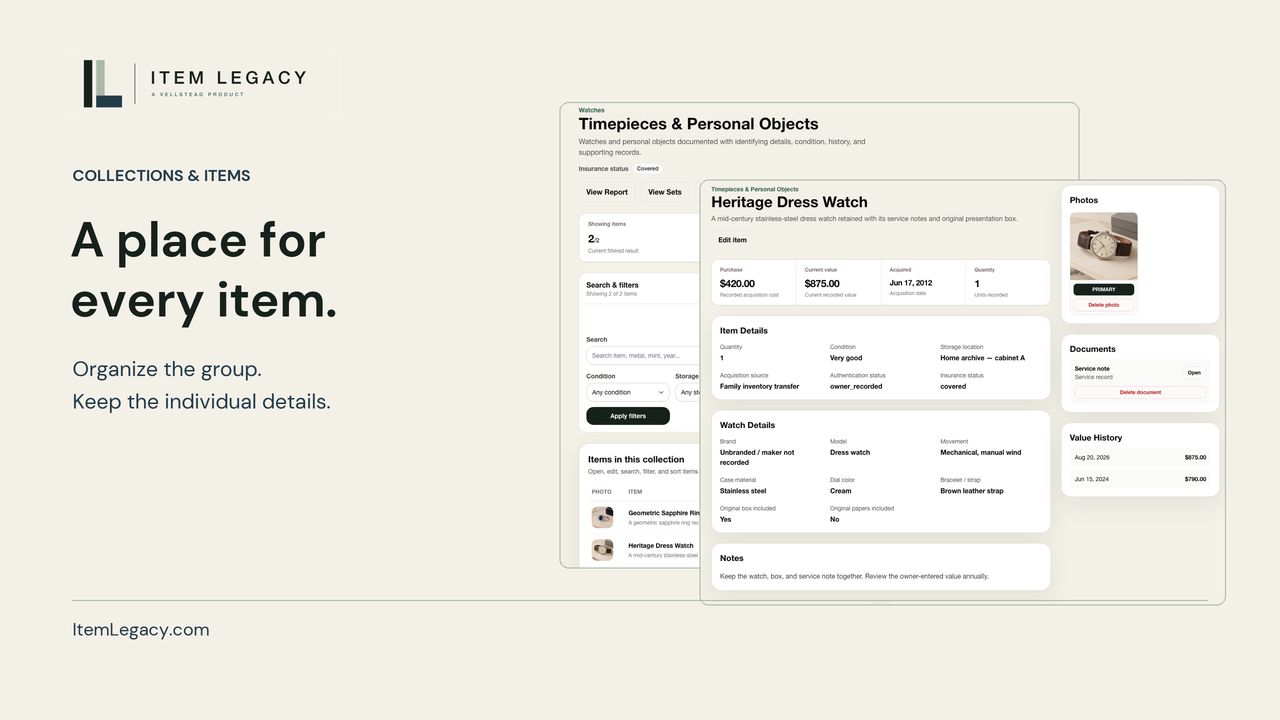
The walkthrough begins with the Heritage Dress Watch record before any photo or supporting document is attached. A clear original watch photograph is selected, uploaded and shown on the record.
A reference-notes PDF is selected and uploaded. The Documents section shows its filename and Open control. The finished record brings the photograph, document and saved context together. This short edit shows attachment and the resulting record.
The closing screen links to signup at ItemLegacy.com, including a QR code. The same signup action is available below the player.