Item Legacy Media · Walkthrough
Organize Family Belongings With Item Legacy
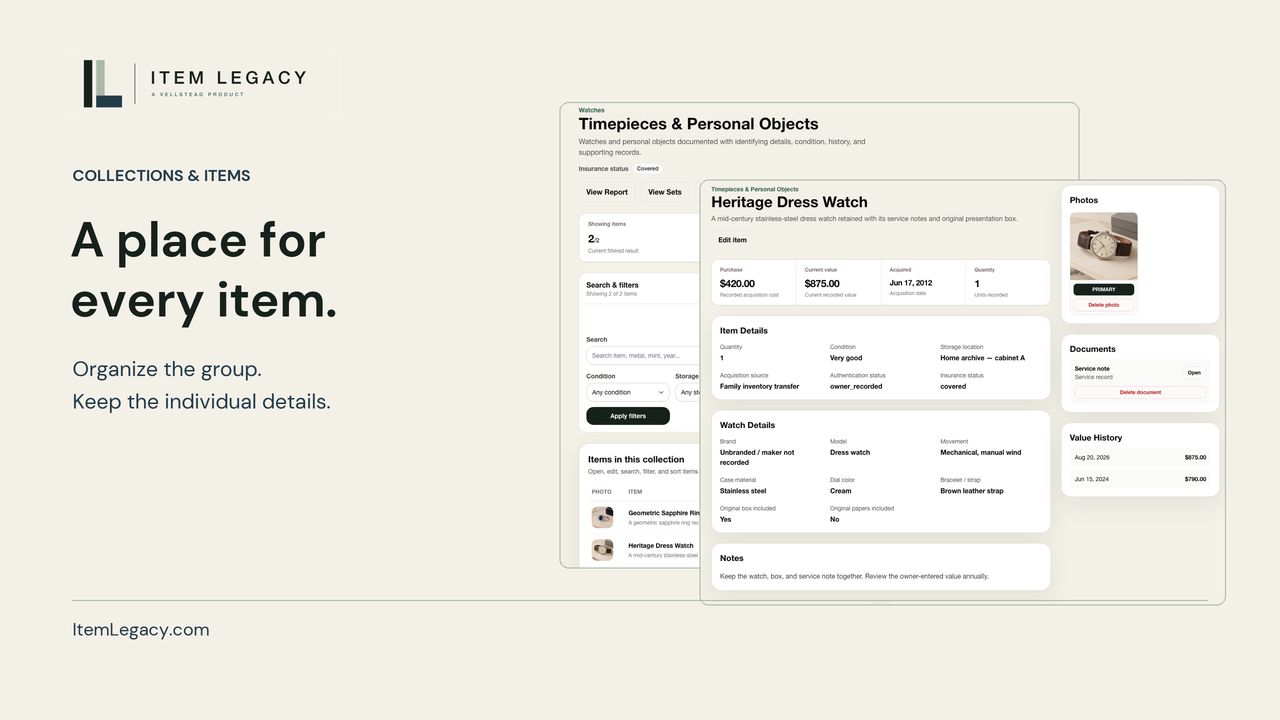
Make household belongings easier to identify and review. This walkthrough follows a camera and framed picture through collections, locations, photos, practical notes and owner-entered acquisition details. It also shows how to open a supporting file and keep a collection-filtered CSV, including what the CSV leaves out. Review records and files before providing a copy.
3:05 · English
This video uses AI-generated narration.
English captions available in the player controls.
Read transcriptAcquisition details and estimated values are owner-entered. Review records and files before providing a copy.
Read the transcript
Start with a few belongings you want to understand more clearly. A camera on a shelf. A picture on the wall. With Item Legacy, you can bring their photographs, locations, and useful notes into one organized inventory.
Create a collection with a practical name, like Household belongings. Add the objects you want to record, then give each item its own storage location. The camera belongs on the study shelf; the framed landscape is on the living room wall.
Open the camera to see its photograph and identifying details. Use a clear name and describe what you can recognize: a black body, a silver-colored top, and a short lens. Leave uncertain details unconfirmed, so the record stays useful without suggesting more than you know.
A short note can explain what should stay together and where to look next. Here, the camera stays with its case, and paper reference sheets are kept in the household records folder. Save the note, then reopen the item to check that the context is there.
Acquisition details add another part of the picture. Record the source and date when you know them. Purchase cost records what was paid; current estimated value is an estimate you enter and maintain. These fields organize your information. They do not independently verify ownership or provide a professional appraisal.
Supporting files belong beside the item they describe. Open the attached camera reference sheet to keep a copy on your device. Review the complete file, including its photograph and notes, before deciding whether to provide it to someone else. Choose the information that is useful for that conversation.
For a spreadsheet copy, choose the collection in Import and Export, check the matching item count, and download the CSV. It includes recorded fields such as notes, locations, and values, plus photo and document counts. The photographs and supporting files are separate. Review the exported information before you use or pass along a copy.
Back in the collection, the camera and picture now have a clear place in your records. Start small, check the details, and update them as you learn more. An understandable inventory gives you a practical reference for your own questions and future conversations.
Choose one meaningful item and record what you know today. Visit Item Legacy dot com and start your free inventory.
On screen
The Household belongings collection contains a compact camera and framed landscape, each saved as a separate item with a location. The camera record shows a photograph, identifying details and practical notes about its case and reference sheets.
Owner-entered acquisition details keep purchase cost separate from estimated value. A camera reference PDF opens with its photograph and notes. The collection-filtered CSV contains the two item records, recorded fields and file counts; photographs and supporting files remain separate.
The walkthrough returns to the collection and ends with a signup QR code. The same signup action is available below the player.